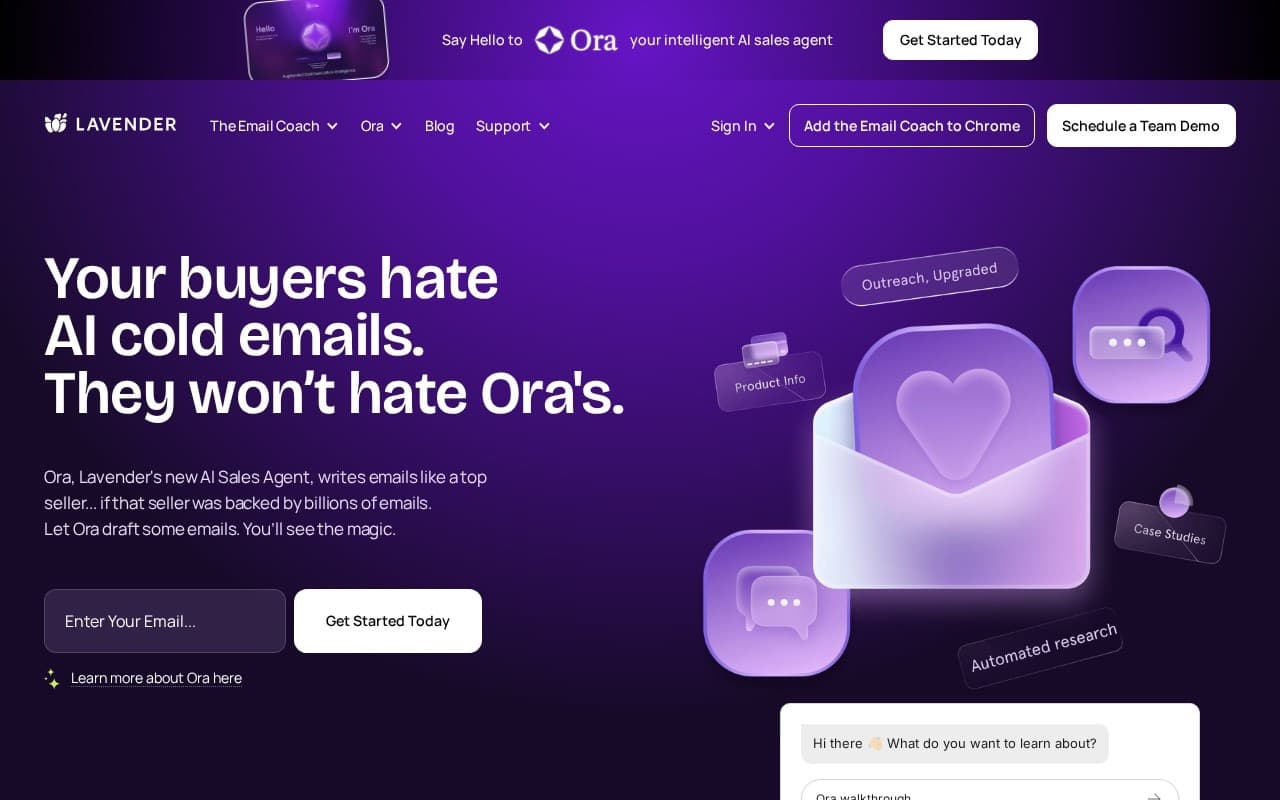
What is Lavender?
Lavender grades your outbound emails as you write them, right inside Gmail or Outlook.
The score draws on data from millions of sent emails and their actual reply rates. As you type, Lavender flags emails that run too long, lean too jargon-y, ask too many questions, or hit other patterns that correlate with low replies. The feedback updates in real time as you edit, so you're not waiting for a separate review cycle.
The practical effect is shorter, simpler emails. Most cold outreach loses replies to length and clutter rather than to strategy, and Lavender's job is to catch that before you hit send. The flags are specific enough to act on in the moment, not a vague grade you have to interpret later.
It also offers personalization assist. Paste a prospect's LinkedIn URL and Lavender pulls public info from their profile, then suggests opening lines that reference specifics about the person. Output quality varies by how much public information exists, so review before sending anything important.
Team features add an analytics layer on top:
- Reply-rate dashboards by sender, team, or campaign
- Coaching surfaces which reps are improving and which are stuck
- Manager views for sales leaders running an SDR team
- Best-performing-email leaderboards to share patterns that work
The Chrome extension works inside Gmail and Outlook with no setup beyond installing it. There's no separate sending platform to learn. You write in your inbox like always, and the score sits in the sidebar.
Common workflows by role:
- SDRs use it on every outbound email they send
- Account executives use it for follow-up emails to live opportunities
- Sales leaders use the analytics to coach reps on what's working
- Marketers writing one-to-one outreach to important contacts use it to tighten copy
A few specifics about the scoring:
- The model looks at length, readability, question count, and word choice
- Personalization scoring rewards specifics about the prospect over generic openers
- The score is a guide, not gospel. A great email that scores 70 beats a mediocre one at 90
Freemium model with a free tier covering a small number of emails per day, scaling to paid subscription tiers with unlimited emails, advanced personalization, and team management.
Best for SDRs and outbound-heavy marketers writing 20+ cold emails a day, where the marginal lift on reply rate compounds fast. Not the right fit for broadcast email campaigns where one-to-one optimization doesn't apply.