What is Grammarly?
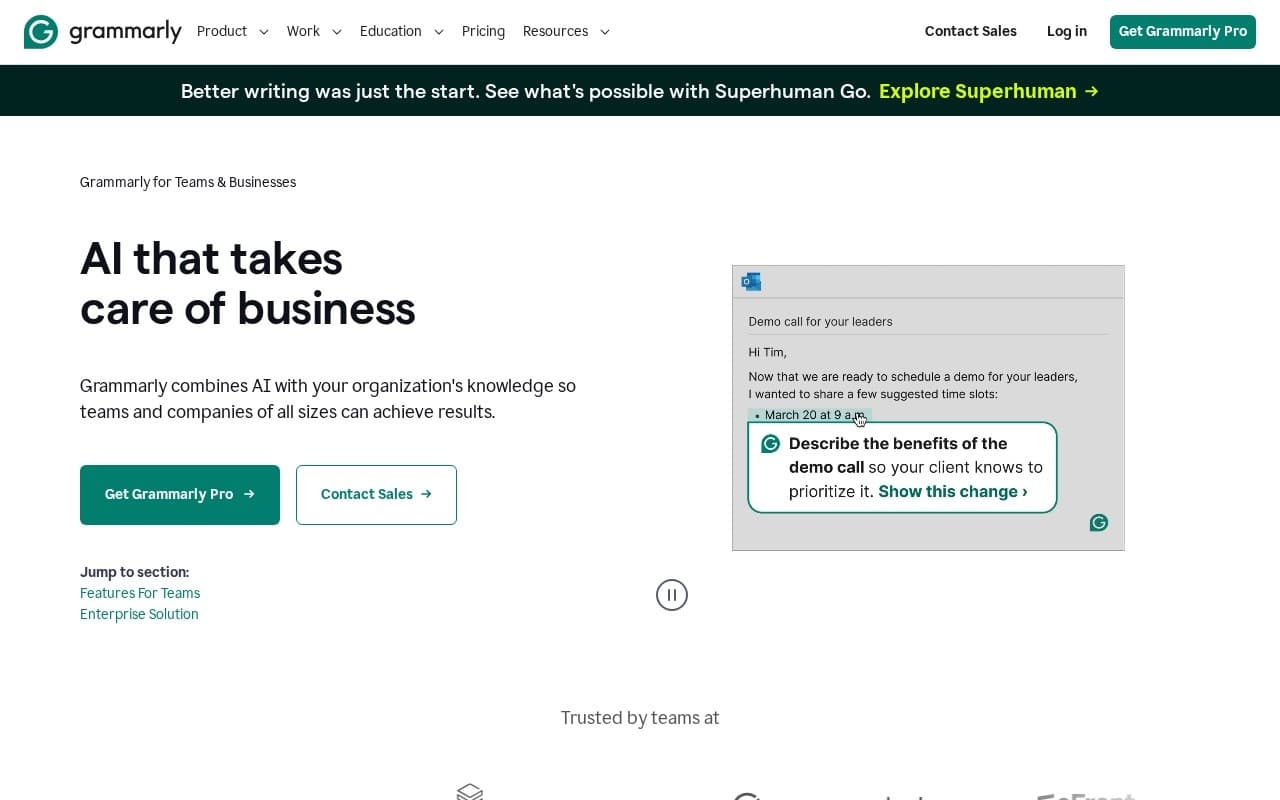
Grammarly is the writing assistant most marketing teams already have installed. The Business plan adds AI generation, brand voice training, and team analytics on top of the grammar and tone suggestions everyone already knows.
The AI side goes well past catching typos. It rewrites a sentence, expands a bullet into a paragraph, adapts a draft to a different audience, or generates a first pass from a one-line prompt. The Voice profile feature learns from your team's published writing, so suggestions stay on-brand instead of flattening everything into corporate-speak.
It works inside every browser and desktop app you already use: Gmail, Slack, Google Docs, Notion, LinkedIn, Word, Outlook. There's no new dashboard to learn and no separate editor to switch to. The AI lives in the text fields people already type into.
Common workflows by role:
- Marketers polish blog posts, emails, and social copy without leaving their editor
- Salespeople clean up cold emails and replies inside Gmail or Outlook
- Customer success reps tighten support replies for tone and clarity
- Product teams write release notes, docs, and internal posts
- Founders catch typos and tighten copy across every tool they touch
A few specifics worth knowing about the Business plan:
- Voice profiles learn from samples and keep team output on-brand
- AI prompts scale with the plan tier
- Team analytics show writing volume, tone, and engagement across users
- Admin controls cover SSO, access policies, and data handling
Where Grammarly fits best:
- Cross-functional teams where copy is written by people whose primary job isn't writing
- Companies wanting brand voice consistency without hiring an editor
- Sales teams handling high-volume outbound where small wording fixes compound
- Distributed teams that need writing standards without manual review
The integration story is the workflow advantage:
- Browser extension covers Gmail, LinkedIn, Twitter, and any web text field
- Desktop apps work in Word, Outlook, and Slack
- Mobile keyboards bring the assistant to phone-based writing
- Google Docs has a dedicated integration
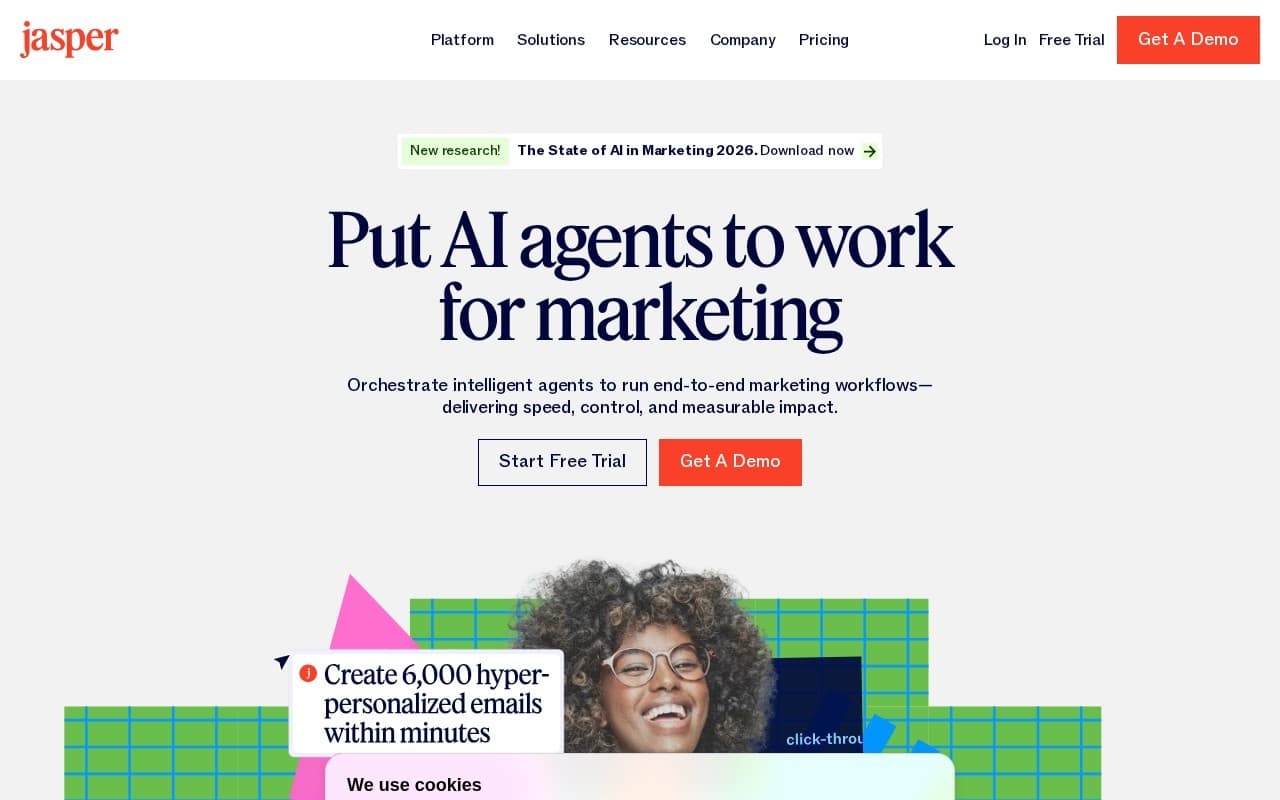
If long-form generation is your main use case, drafting entire blog posts from scratch or producing email sequences in volume, Jasper or Copy.ai are built for that. Grammarly's AI augments writing that already exists rather than starting from a blank page.
Freemium with grammar and basic AI on the free tier, scaling to Pro and Business plans by AI prompt quota, brand-voice profiles, and team seats.
Best for cross-functional teams where copy is written by people whose primary job isn't writing. Not ideal for teams who need long-form generation as the main use case, where dedicated AI writers fit better.