What is Descript?
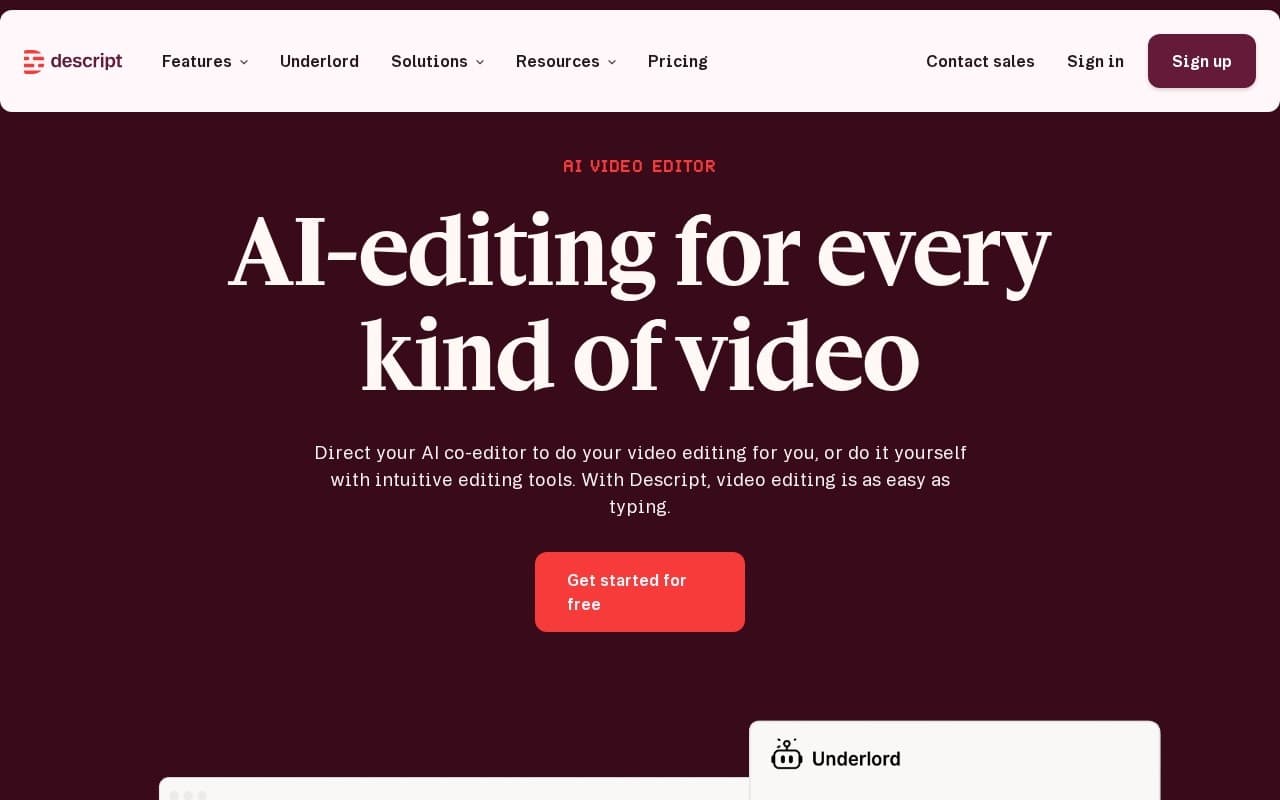
Descript lets you edit video and audio by editing the transcript. Delete a word from the text and the clip cuts itself. Once you adjust to thinking in text rather than waveforms, it's faster than traditional timeline-based editing.
The magic moment usually hits about 20 minutes in. You realize you can find every "um" in a 60-minute recording by searching the transcript, then delete them all in a couple of keystrokes. What used to take an afternoon now takes minutes. The same trick works on any word or phrase you want gone, so tightening a rambling answer is a matter of selecting the text and pressing delete.
Around the transcript-edit core, the product handles a stack of AI features:
- Voice cloning for fixing misspoken words without re-recording
- Automatic background noise removal
- Filler word ("um", "uh") cleanup at scale
- Eye contact correction for speakers reading from notes
- Studio Sound for improving poor audio recordings
- Green Screen replacement without an actual green screen
The Overdub feature generates audio in your cloned voice. You can fix a misspoken word, update a statistic, or insert a missing sentence without re-recording the whole segment, which is useful for evergreen content that needs occasional updates.
Common workflows by role:
- Podcasters edit episodes, remove filler words, and ship faster
- Course creators record lessons and clean them up in one pass
- Marketers cut talking-head videos for social and product use
- Content teams turn long-form videos into transcripts, summaries, and clips
Collaboration features let multiple editors work on the same project with comments and feedback in the timeline, so it holds up for teams rather than just solo creators.
A few specifics worth knowing:
- The free tier is genuinely usable on real projects, not a trial
- Transcripts handle accents and technical terms reasonably well
- AI voice cloning requires explicit consent and a training sample
- Export formats cover audio, video, and clip-cut social formats
For cinematic editing with complex compositing, color grading, or motion graphics, traditional non-linear editors like Premiere or Final Cut are still the right tools. Descript is built for talking-head and audio work, not visual effects.
Freemium model with a free tier covering modest monthly transcription. Paid subscription tiers scale by transcription minutes, video length, and team collaboration features.
Best for podcasters, course creators, and teams shipping weekly talking-head video where the bottleneck is editing speed rather than visual polish. Not ideal for high-end visual production where timeline-based editors offer more control.